
Choose the die, then add the modifier
With advantage, roll two d20s and use the higher result. With disadvantage, use the lower. Add the applicable modifier once. Multiple sources do not add more d20s; if advantage and disadvantage both apply, use a normal roll.
A slippery roof
Your DM calls for a check and your total modifier is +4. Suppose the two dice show 6 and 15. With advantage the total is 19; with disadvantage it is 10. The +4 is added to the chosen die, not to each die and not to their sum.
Match the formula to the roll
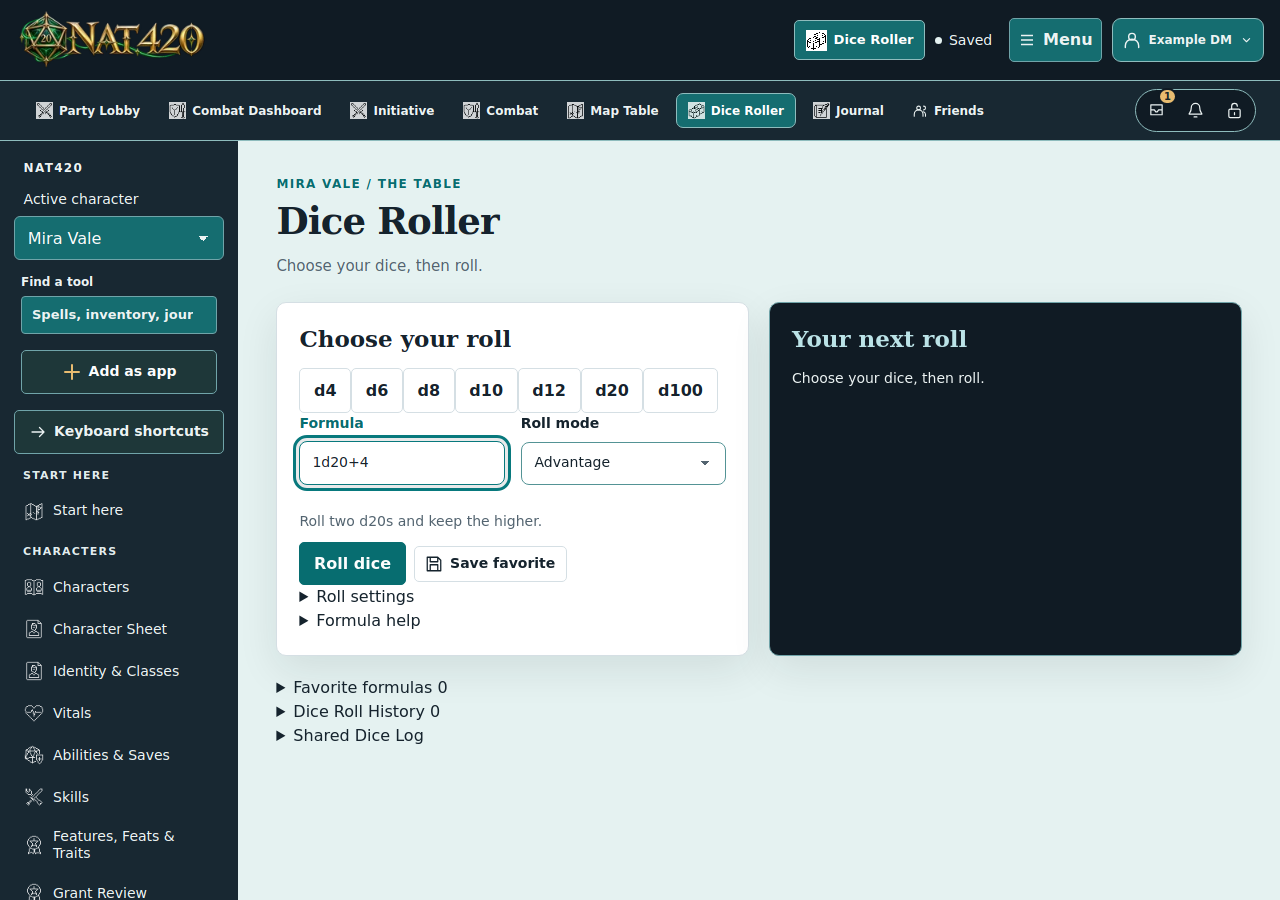
- Open Dice Roller. Enter
1d20+4, replacing +4 with the actual total modifier for your roll. A standalone formula does not automatically add your character’s ability or proficiency. - Choose Advantage or Disadvantage. The mode supplies the second d20. Do not enter
2d20+4for this purpose. - If both apply, choose Normal. For a damage formula such as
2d6+3, also use Normal; advantage is not a general damage multiplier. - Roll once. Expand the result’s details if you need the individual dice, or Dice Roll History to review earlier results.
Choose who sees the result
Account rolls default to Only me and do not need a confirmation. Open Roll settings if you want an optional private-roll confirmation or a party/DM audience chooser. Choosing a shared audience is a separate, explicit step for each roll.
The temporary local roller keeps its result in your browser; it does not publish to the table or create an account history entry. Quick dice buttons fill the formula so you can review it before rolling.
NAT420 calculates dice; your table decides whether a circumstance grants advantage and which modifiers apply. The Guidance option likewise does not decide whether your character is entitled to that benefit.
Rules references
This guide covers the shared core procedure. Individual spells, features, and reroll rules can differ by edition.